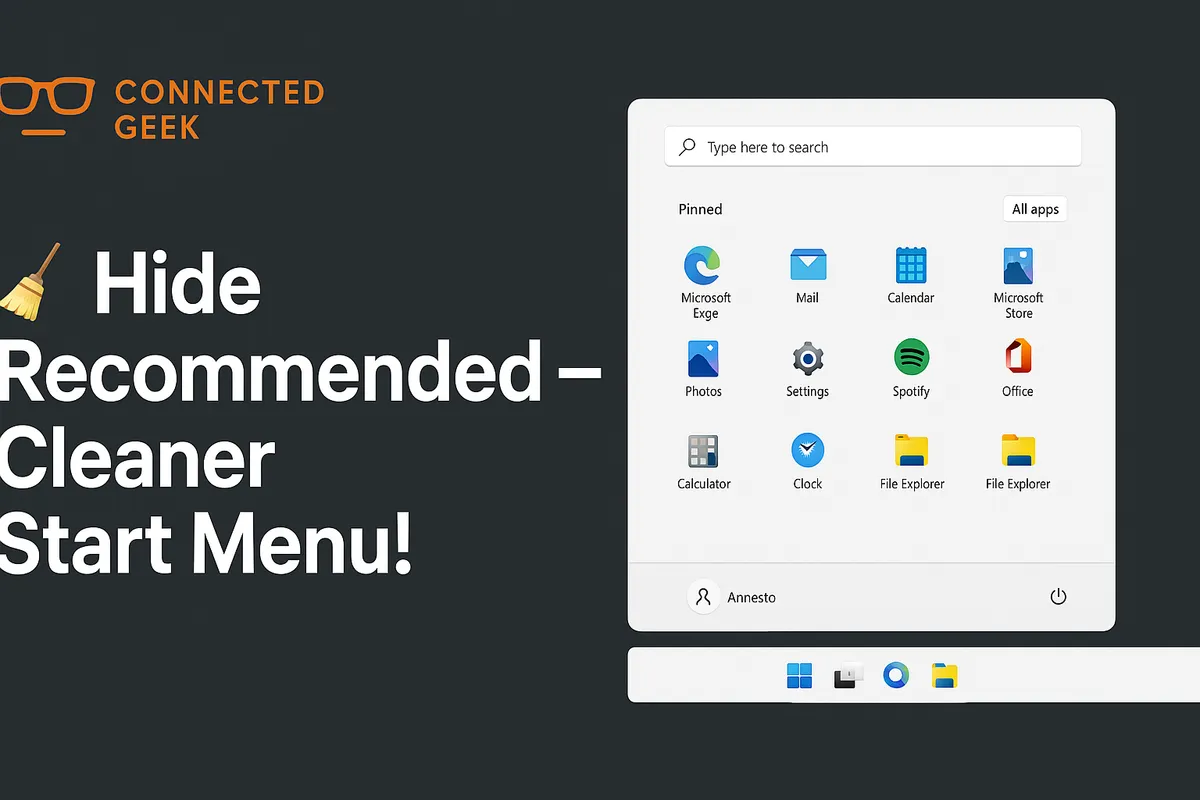
Set Windows 11 Default Apps by File Type: The Complete Extension Guide
Published on: 24/05/2026
Settings → Apps → Default apps → Choose defaults by file type — a full list of every extension. Click any to pick your preferred app.
Windows 11default appsfile extensionsA-Z listPC settingsapp management
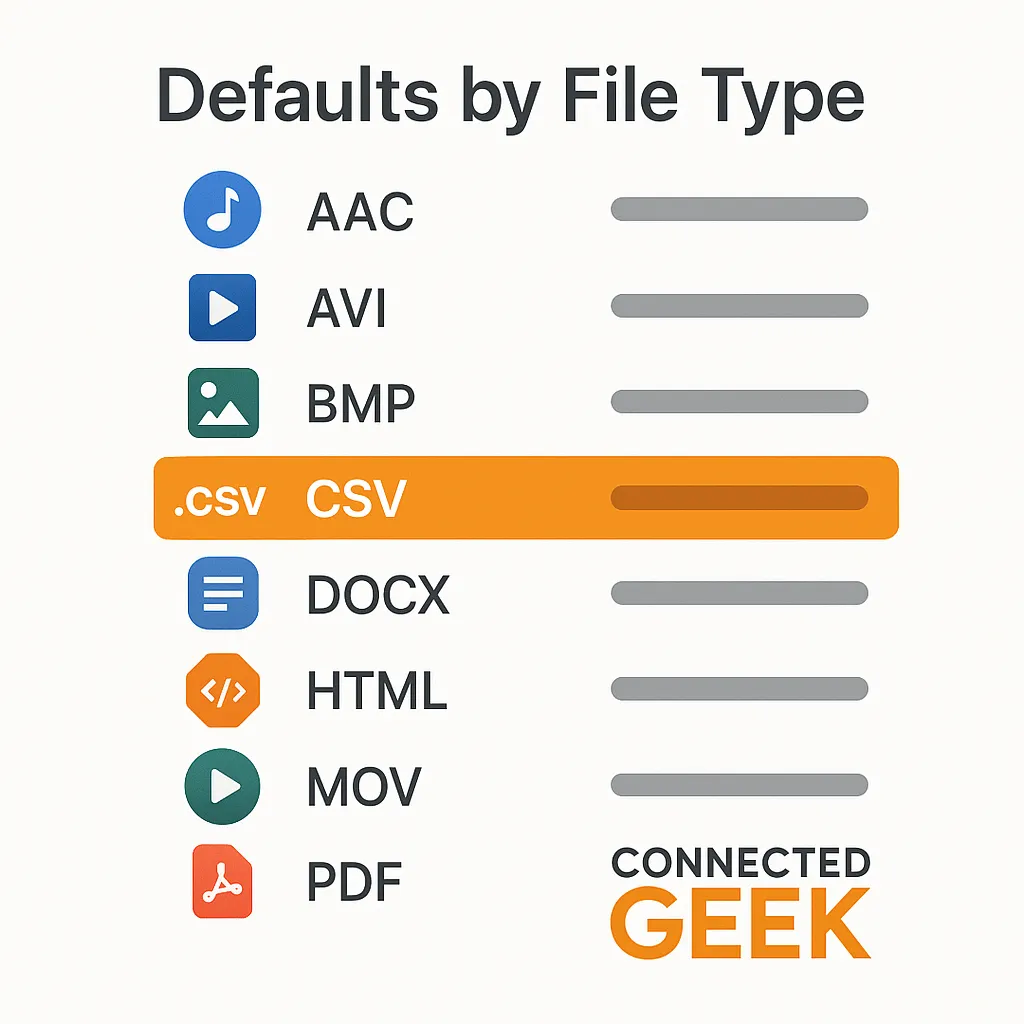
Windows 11 Default Apps by File Type: The Complete A-Z Extension Guide
Published on: 24/05/2026
Settings → Apps → Default apps → 'Choose defaults by file type' gives you a full A-Z list of every extension on your PC. Click any extension to change which app opens it.
Windows 11file typesdefault appsfile extensionsPC settings
Windows 11 Modern Standby: Why Your Laptop Wakes Up Instantly
Published on: 22/05/2026
Modern Standby keeps Windows 11 in a low-power state while still receiving emails and notifications — like a smartphone sleep mode, but for your laptop.
Windows 11Modern Standbylaptoppower managementbattery lifeinstant wakePC settings

Windows 11 Start Menu Recommended: Take Control of What You See
Published on: 15/05/2026
Learn how to take control of the Windows 11 Start Menu Recommended section — toggle off recent apps, files, and usage history for a clean, distraction-free Start Menu.
Windows 11Start MenuPrivacyProductivityRecommended SectionPC settings